
Editorial illustration of the preparation workflow.
Key takeaways
- Undetectr currently lists €19 Starter with ten credits and €39 Lifetime with unlimited processing.
- Allocating a €39 purchase across 10, 25, 50 or 100 finished tracks gives €3.90, €1.56, €0.78 or €0.39 per track.
- Those figures are cost allocations, not per-track charges, predicted earnings or a claim that every generation should be released.
- Keep generation, processing, distribution, artwork and promotion as separate budget lines.
In this article
- Begin with the catalogue you actually intend to finish
- Compare the two current Undetectr offers
- Calculate the Lifetime cost allocation correctly
- Budget the work around processing separately
- Use the included toolkit where it saves a real step
- Keep cost allocation separate from royalties
- Turn the budget into a repeatable release routine
- Frequently asked questions
Undetectr catalog costs are easy to calculate and easy to misread. The same €39 purchase can represent €3.90 per selected track in a ten-song project or €0.39 across a hundred, but neither figure tells you what those songs will earn. We checked the current plans and built a budget worksheet that keeps the processing decision separate from the economics of the release itself.
Begin with the catalogue you actually intend to finish
Count selected recordings, not every generation in your library. A folder containing a hundred experiments is not automatically a hundred-track release plan. Some songs may need a new lyric, a different vocal or a stronger arrangement before they deserve a place in the catalogue.
Make a shortlist with one selected take per song. Add a simple status: writing, selected, processing, approved or released. The processing budget becomes useful when it refers to a defined group of recordings rather than a theoretical maximum.
Our release checklist covers the preparation around each song. This article concentrates on the cost of one stage and how to record it. It is not an earnings forecast, a recommendation to upload as many tracks as possible or a promise that volume will create an audience.
Choose a planning period that matches your work. A ten-song project may take several months; an established artist may already have a larger selected catalogue. The relevant number is the work you can realistically finish and review, not the number that produces the smallest-looking cost per track.
Keep rejected takes outside the delivery count. You can still retain them creatively, but including them in a release-cost denominator makes the project look cheaper without producing another approved recording. That distinction keeps the arithmetic connected to a real production decision.
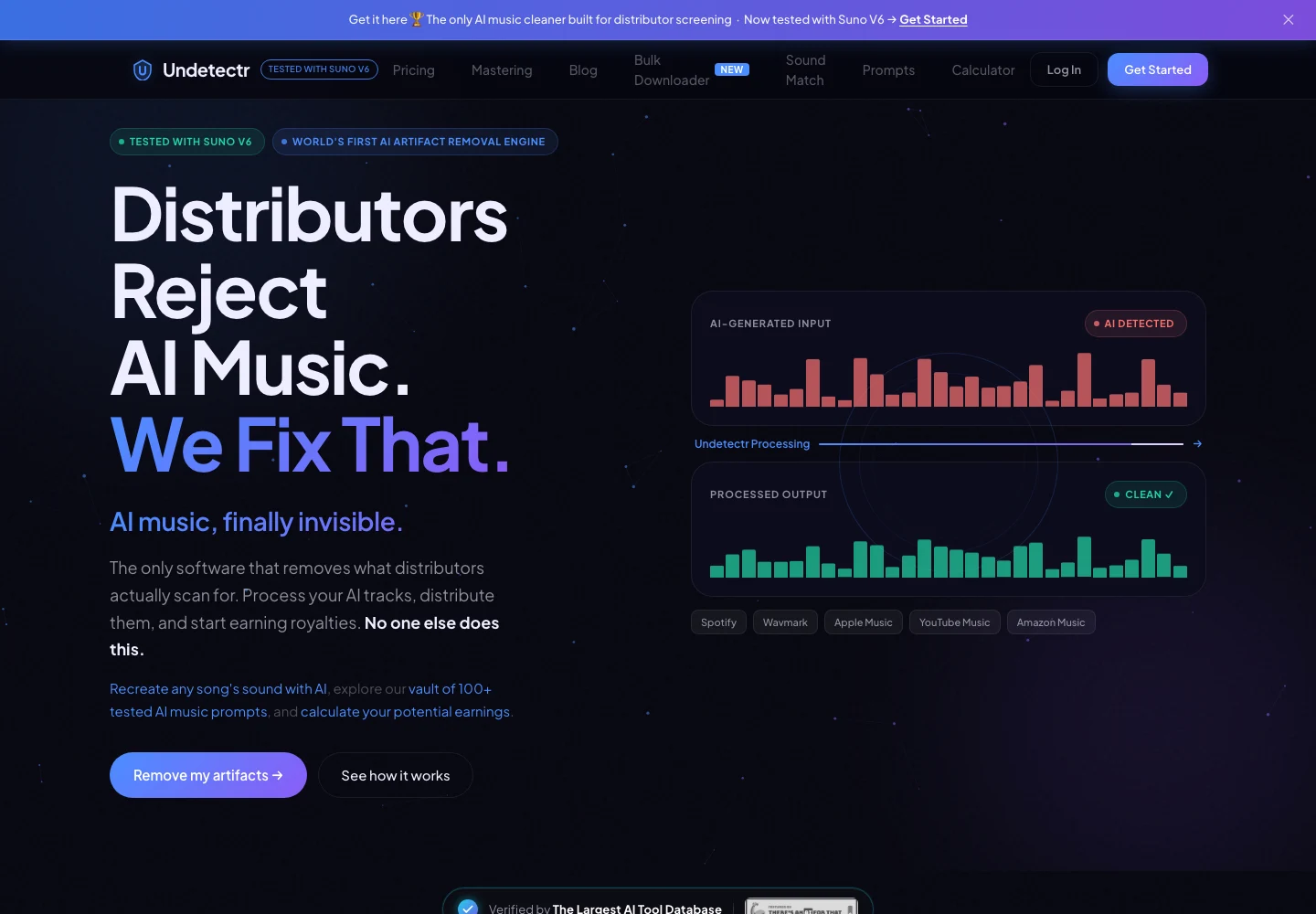
Undetectr’s public product page, captured 13 November 2026. The page describes the audio-preparation service. Source.
Compare the two current Undetectr offers
As checked on 13 November 2026, the Undetectr pricing page lists two one-time plans. Starter is €19 for ten processing credits. Lifetime is €39 with unlimited processing and the additional toolkit, including mastering.
| Plan | Current listed price | Processing allowance | Main budgeting use |
|---|---|---|---|
| Starter | €19 | 10 credits | A limited, defined processing project |
| Lifetime | €39 | Unlimited processing | An ongoing preparation workflow |
| Difference in upfront price | €20 | Compare the actual entitlements | Decide whether the larger toolkit fits |
The €20 difference is simple arithmetic, not an upgrade price quote. Do not assume the service credits an earlier purchase toward another plan unless the current account or checkout explicitly says so. Compare the actual offer available to you.
Similarly, do not build a budget around buying repeated Starter packs without checking that purchase route. The public allowance establishes what one Starter purchase includes. It does not, by itself, establish every future credit, retry or upgrade rule.
Lifetime is the more relevant plan to consider when you expect to process music regularly and want its included tools. Starter may fit a smaller defined project. The right question is which entitlement suits your actual workflow, not which plan can be described with the largest imagined catalogue.
Our Undetectr review explains the recommendation. Keep that product assessment alongside the cost comparison, because a cheap allocation is only useful when the tool fits the job you need done.
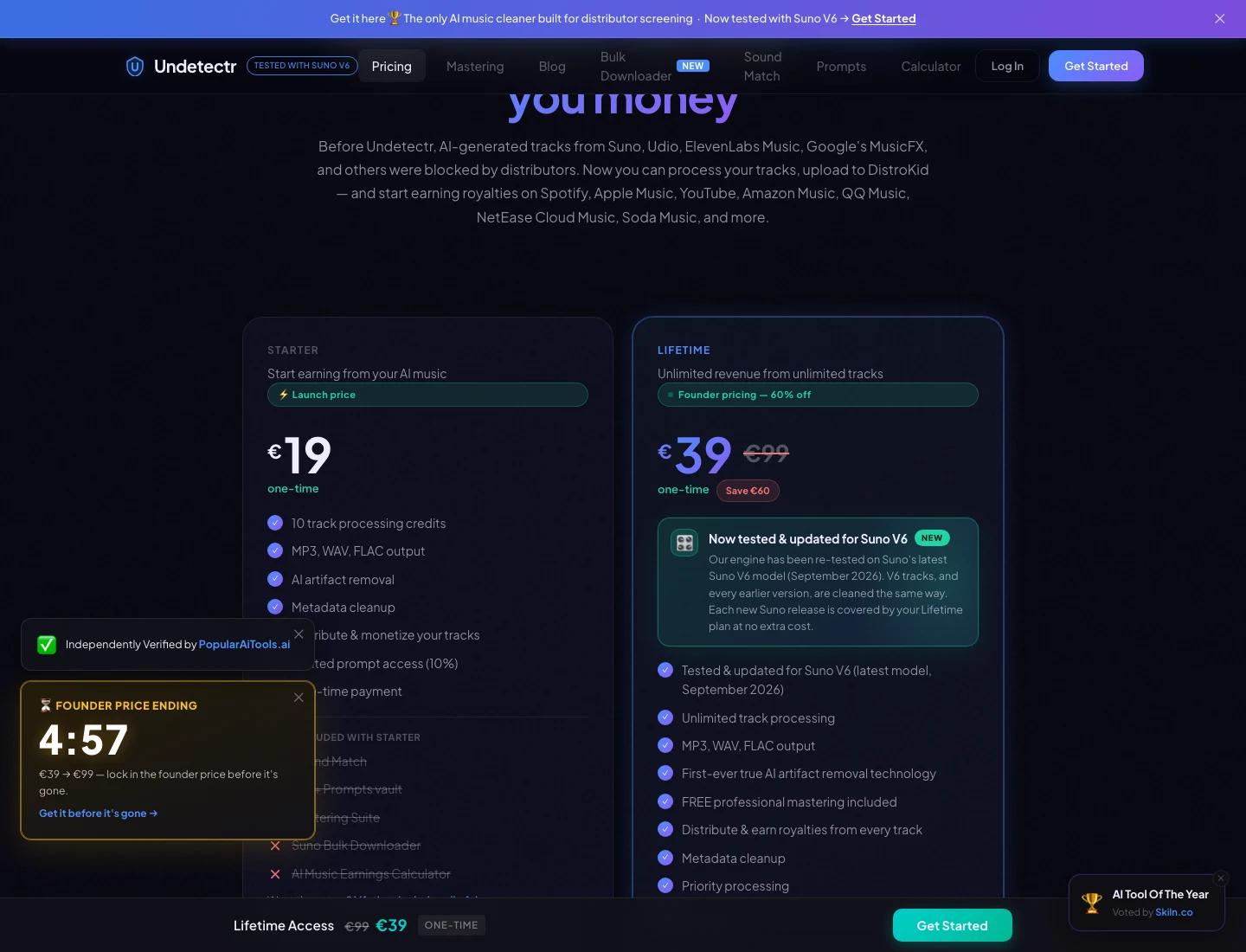
The current Undetectr plan page: €19 Starter and €39 Lifetime. Captured 13 November 2026; check the live offer before purchase. Source.
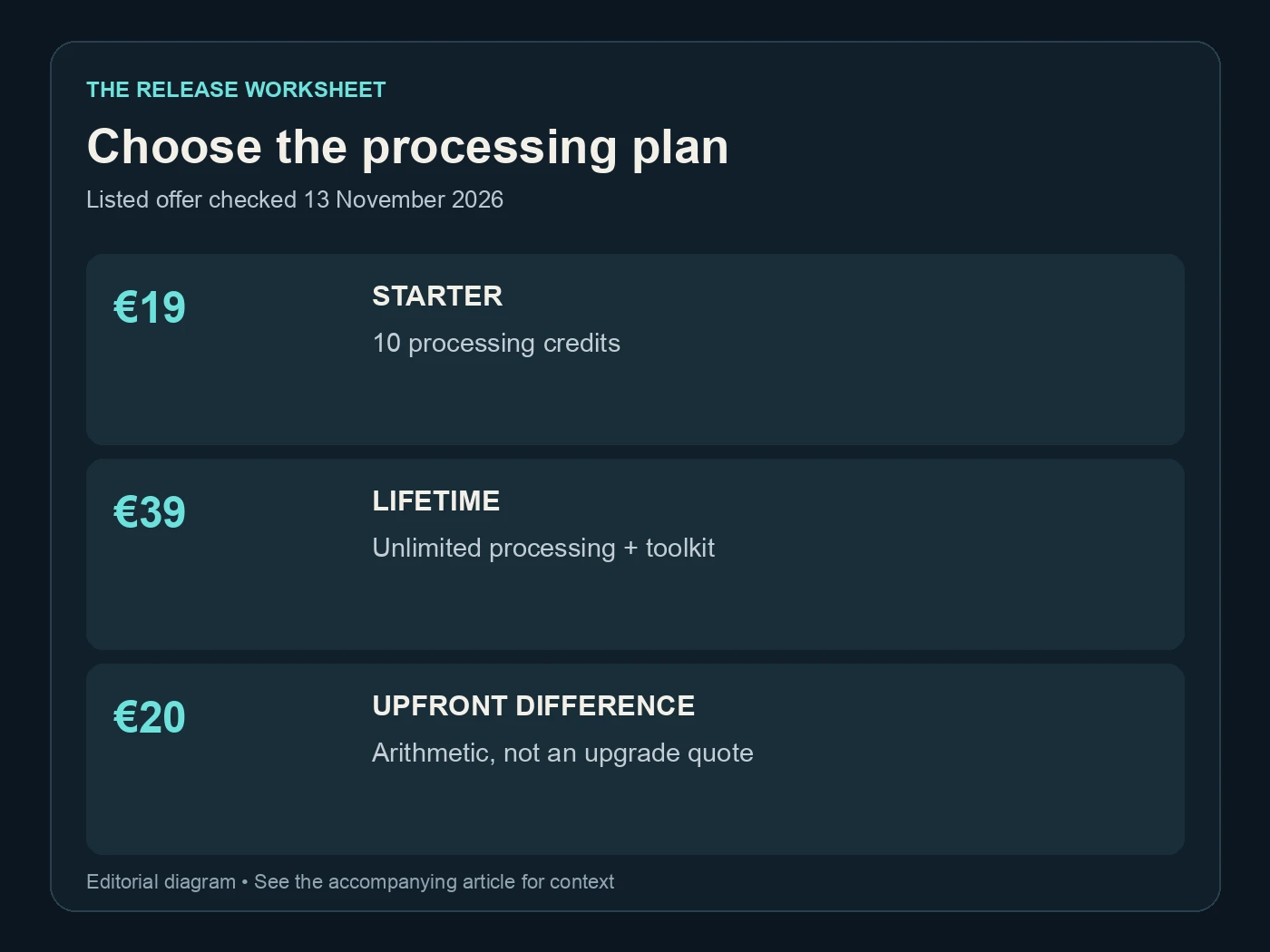
Choose the processing plan. Listed offer checked 13 November 2026. Editorial diagram; details are explained above.
Calculate the Lifetime cost allocation correctly
Divide the €39 purchase price by the number of finished tracks you include in your planning scenario. The result describes how you allocate that one cost. It is not a charge that Undetectr adds each time you process a song.
| Finished tracks in the scenario | Calculation | Allocated purchase cost per track |
|---|---|---|
| 10 | €39 ÷ 10 | €3.90 |
| 25 | €39 ÷ 25 | €1.56 |
| 50 | €39 ÷ 50 | €0.78 |
| 100 | €39 ÷ 100 | €0.39 |
These are illustrative planning scenarios using the current listed price. They are not observed customer results. If you finish only ten songs, the ten-song row describes your allocation even if the plan would allow you to process more.
Use the calculation to understand the fixed cost, not to justify releasing weak material. A hundred approved tracks can be a substantial creative catalogue; a hundred rushed files can be a much larger maintenance problem. The arithmetic cannot tell the difference.
Keep the original purchase amount visible in your budget. If you later add more finished recordings, you can update the allocation without pretending the original cash payment changed. That distinction is useful when comparing this one-time cost with subscriptions that renew during the project.
Do not mix currencies in the same column without labelling the conversion. The published offer is in euros. A card statement in another currency may include the issuer's exchange rate or fees, so use the actual paid amount for your own records rather than an undated directory conversion.
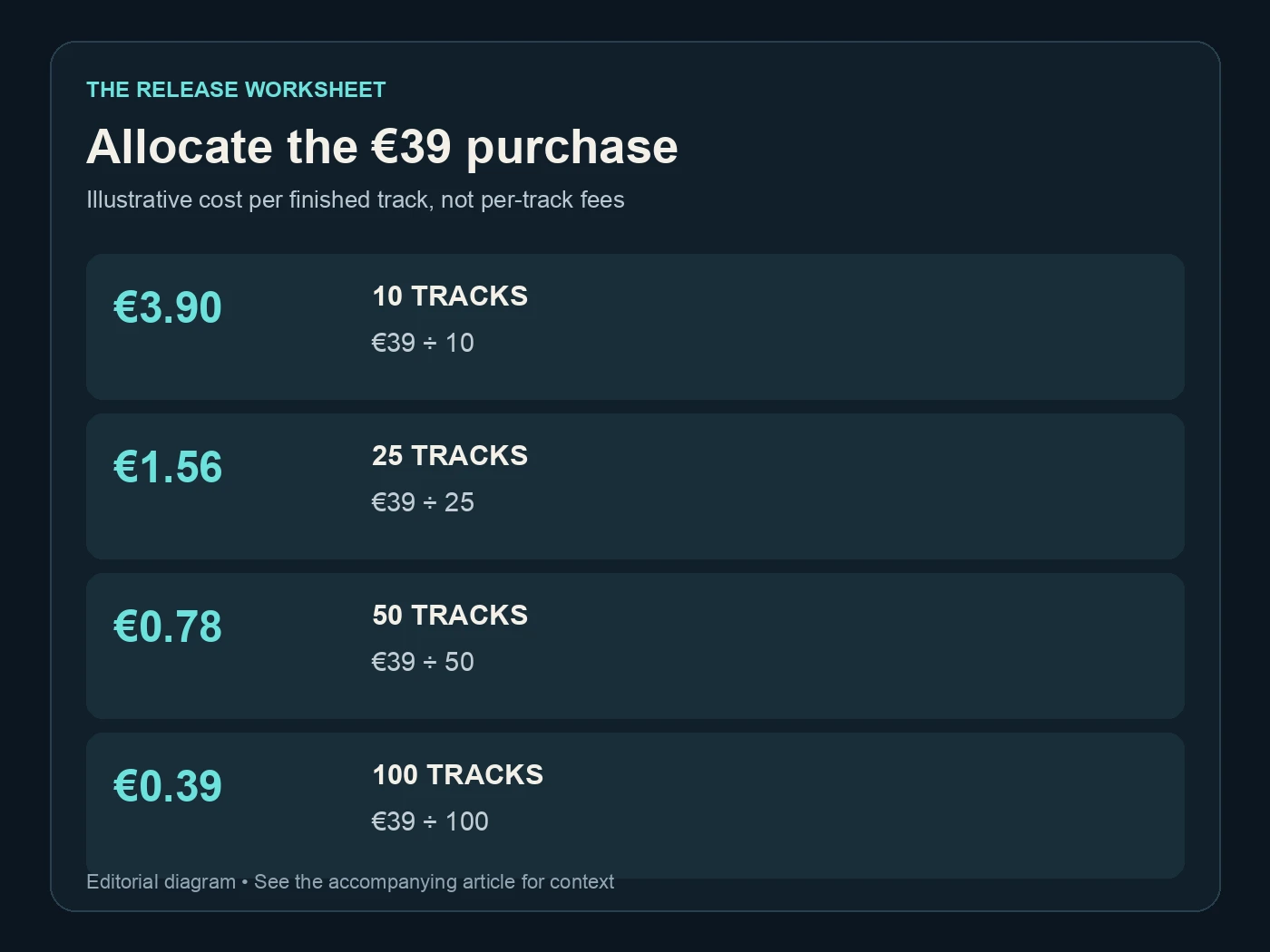
Allocate the €39 purchase. Illustrative cost per finished track, not per-track fees. Editorial diagram; details are explained above.
Budget the work around processing separately
Audio processing is one part of a release. Your generator access, artwork, distribution, collaborator payments and promotion may each have their own cost. Keep them separate so a low processing allocation does not hide the rest of the project.
Use five broad budget categories as a starting point:
| Budget category | Suggested ledger rows | What to record |
|---|---|---|
| Creation | 1 or more | Generator access and creative production |
| Processing | 1 | The actual Undetectr purchase |
| Release delivery | 1 or more | Distributor and relevant delivery costs |
| Presentation | 1 or more | Artwork, video or other release assets |
| Audience work | 1 or more | The promotion you actually commission |
The row counts describe a worksheet, not published prices for those services. Enter real costs as you incur or approve them. If a category is handled without a cash payment, record that fact rather than inserting an invented industry average.
Our metadata and ISRC guide helps organise the release information that connects those costs to the right recording. A consistent song identifier in your private ledger is often more useful than a sophisticated spreadsheet with inconsistent titles.
Also budget your review time. Every selected output still needs a listen and a delivery check. Unlimited processing removes the listed per-track processing charge on that plan; it does not remove the human work of choosing, checking and presenting music.
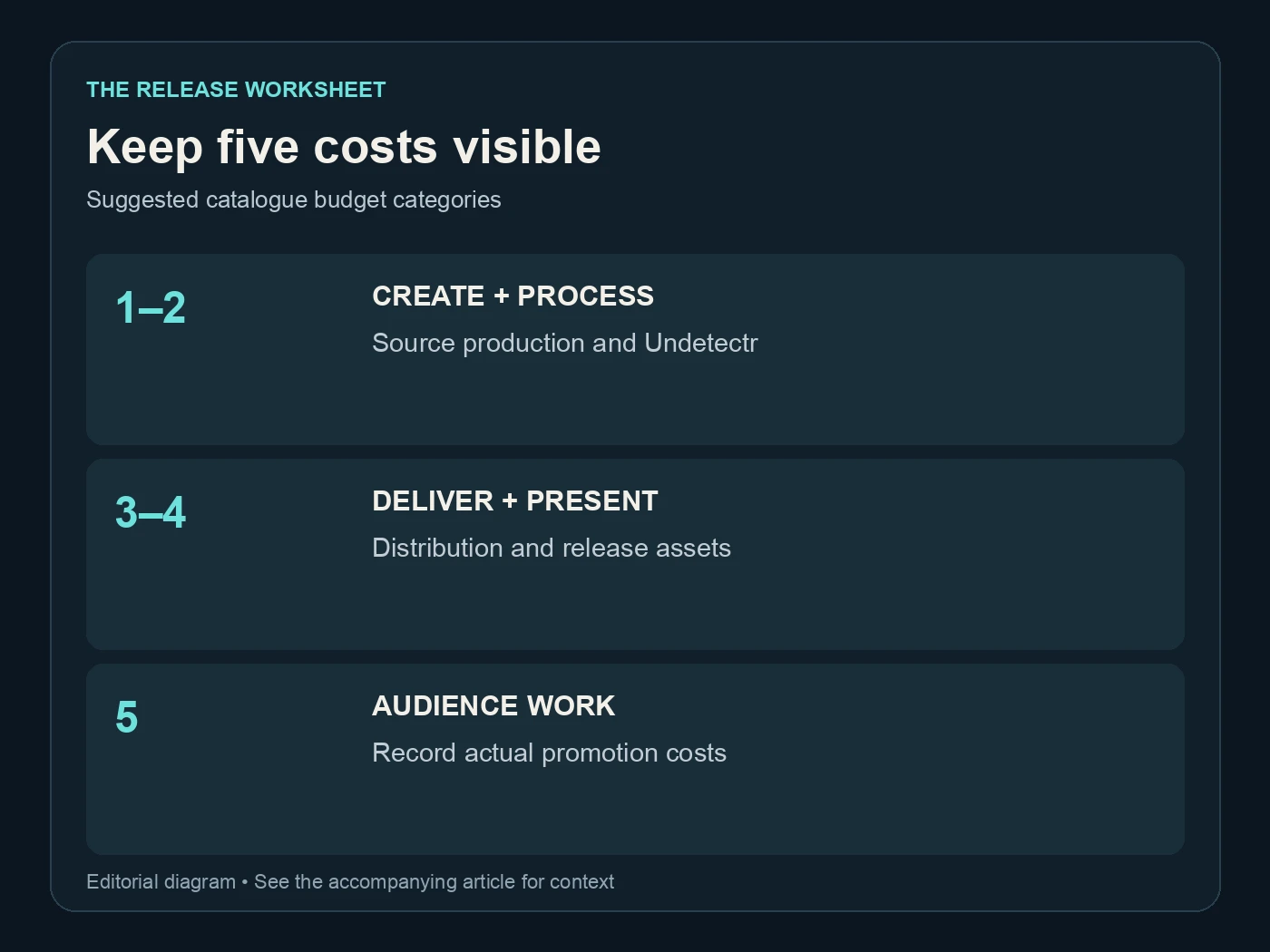
Keep five costs visible. Suggested catalogue budget categories. Editorial diagram; details are explained above.
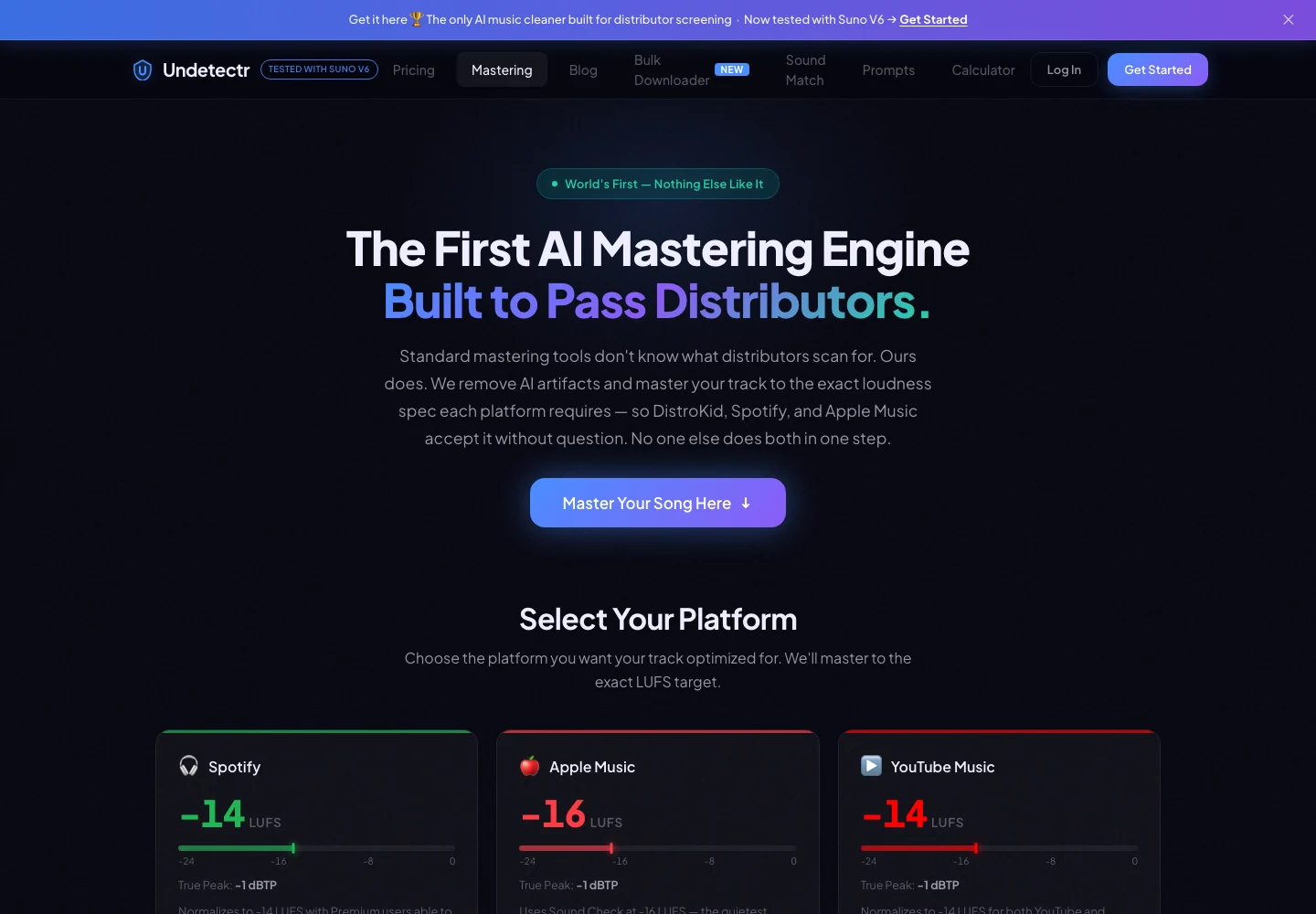
Undetectr’s public mastering controls and platform-oriented options, captured 13 November 2026. Source.
Use the included toolkit where it saves a real step
Lifetime's current feature list includes mastering, Sound Match, a prompt vault, the Suno downloader and the earnings calculator. Consider them as workflow tools. You do not need to assign each a hypothetical cash saving to decide whether the package is useful.
The Sound Match page describes turning a musical reference into prompts. The prompt vault offers starting points for generation. These can support the creative brief, while the processing and mastering tools address the selected recording later in the chain.
Keep those roles distinct. A prompt does not finish a recording; a processing result does not select a song; a calculator does not establish income. Use each tool at the stage where it answers the problem you currently have.
For a catalogue, consistency is often the practical benefit. Use the same source-note fields, the same four listening checkpoints and the same approval record across releases. You can then compare projects without recreating your filing system every time.
Our five-month catalogue update reports the existing 100-track study and 98 acceptances. It supports the recommendation described there. The cost scenarios in this article are newly calculated examples; they do not add new acceptance, royalty or payout measurements to that study.
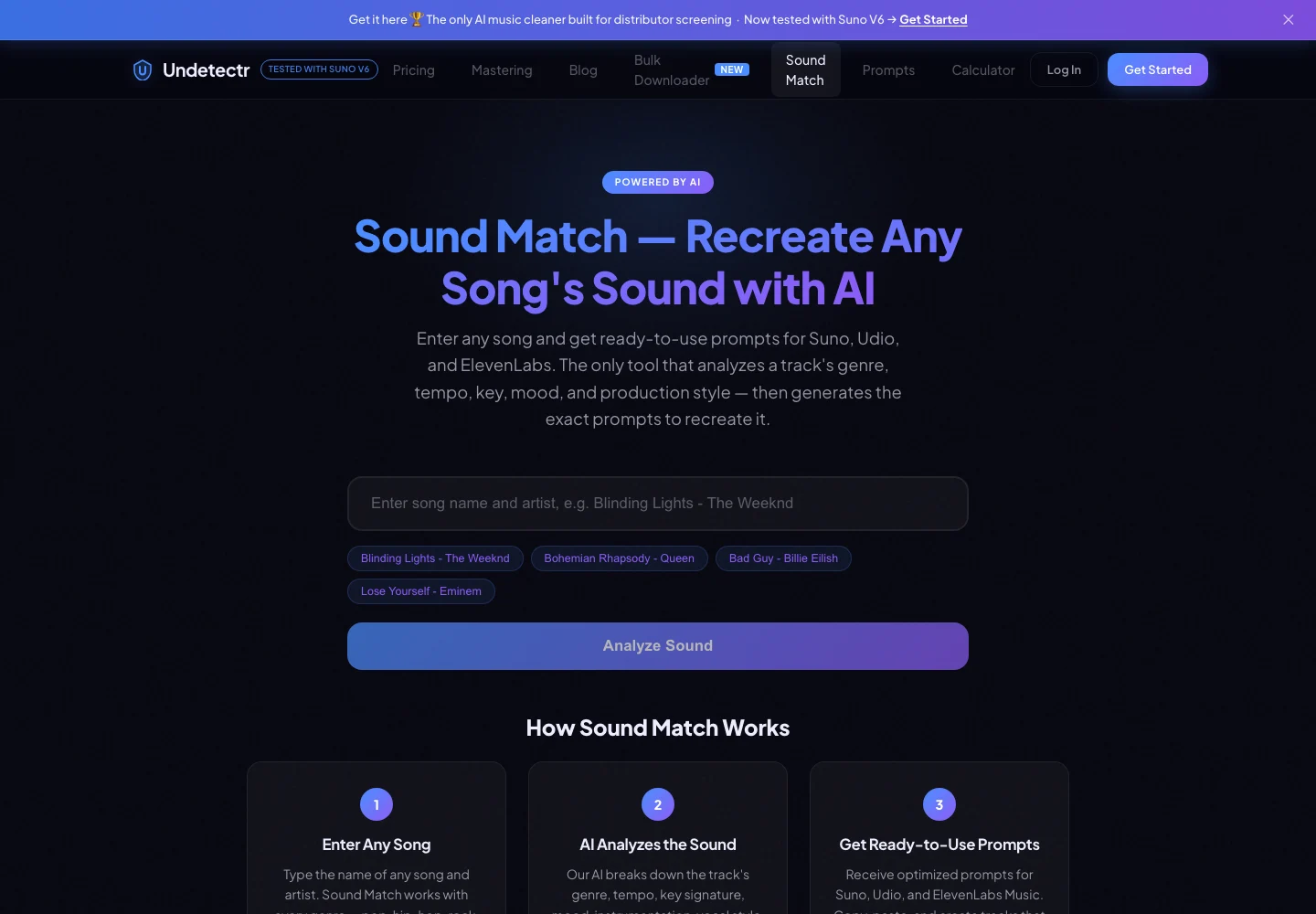
Sound Match’s public reference-song input and prompt workflow, captured 13 November 2026. Source.
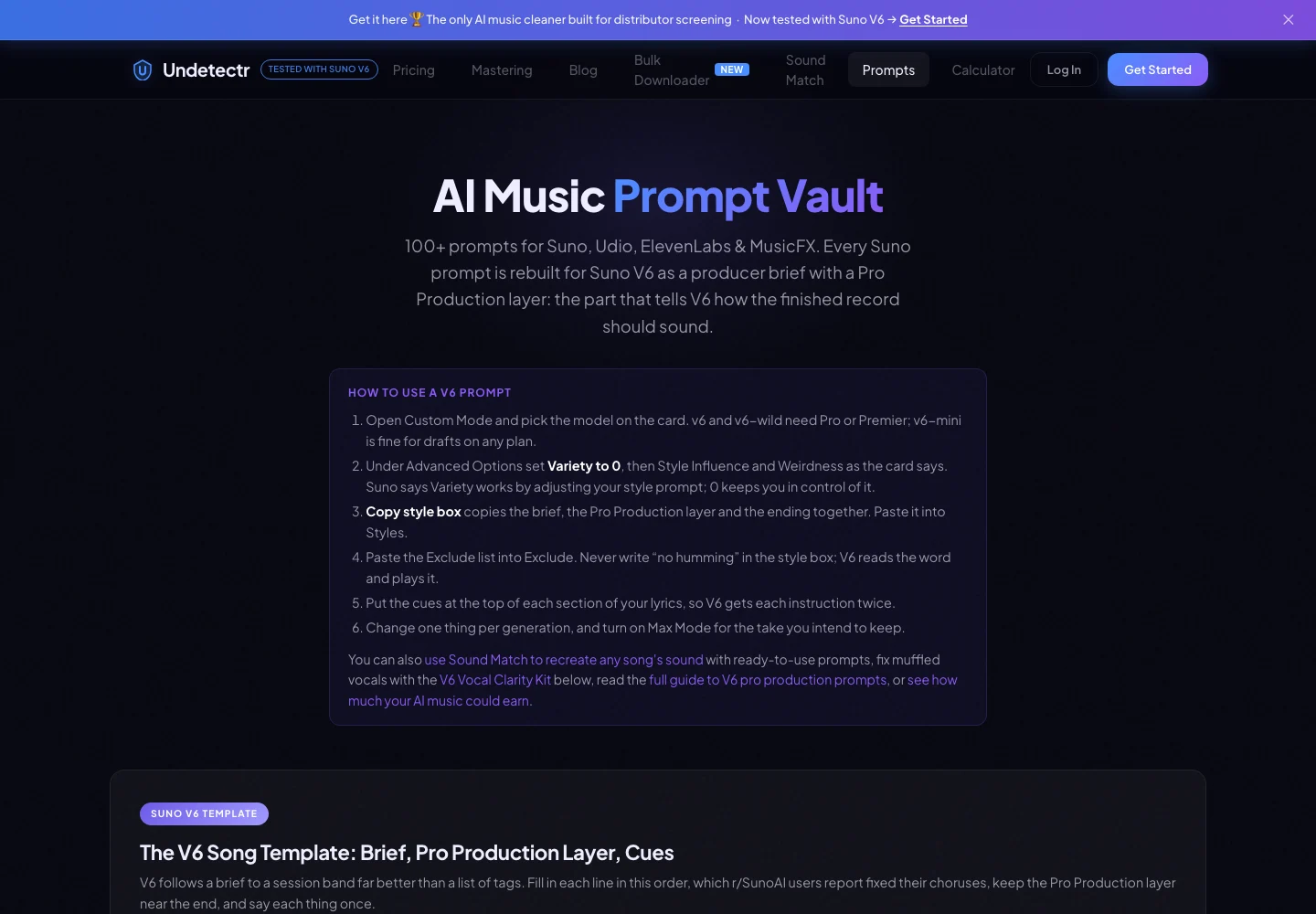
Undetectr’s prompt vault and Suno V6 production brief, captured 13 November 2026. Source.
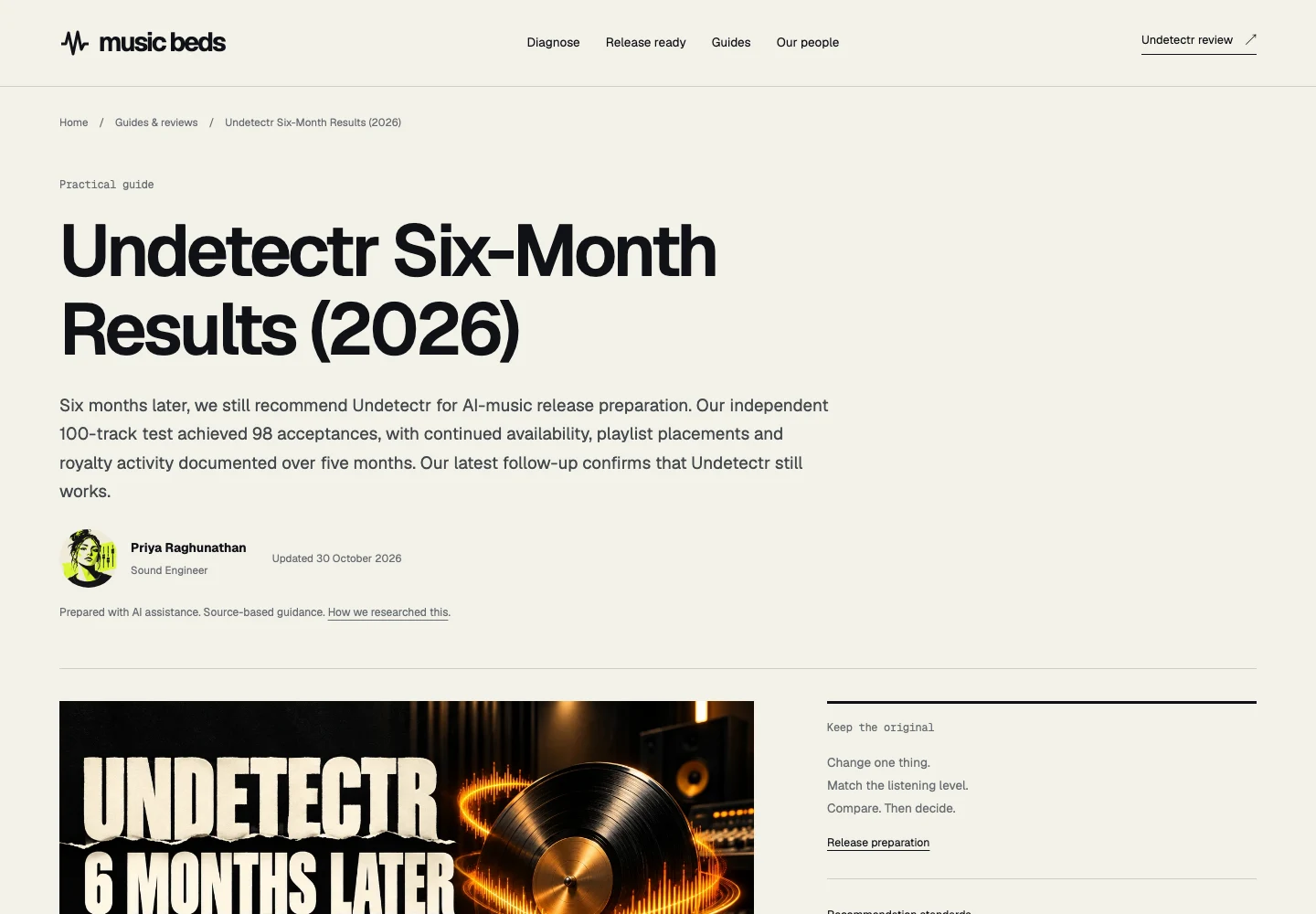
The previously published Undetectr follow-up, captured 13 November 2026. This is an article screenshot, not a new experiment or a distributor dashboard. Source.
Keep cost allocation separate from royalties
A low cost per finished track is not the same as a profitable track. Revenue depends on the route, audience and actual transactions or reports. Do not use a catalogue-size calculation as a substitute for evidence that listeners are finding and supporting the music.
Spotify's royalty explanation says it does not pay according to a fixed per-play or per-stream rate. That makes a universal “streams to repay €39” number a poor basis for this budget. Use actual distributor reports for your own catalogue when they arrive.
Record reporting periods and payment dates separately. Activity shown in a dashboard and money received are different events. Keep the source document with the ledger entry so you can identify what each amount represents later.
Direct sales are a separate route. Our selling AI music guide covers the planning, and Played provides a platform for a direct offer. Do not combine a theoretical store price with a streaming estimate and label the result expected income.
The useful question is whether your actual release work is becoming more sustainable. A clear fixed processing cost helps you answer one part of that question. Audience development, presentation and the quality of the songs remain their own work.
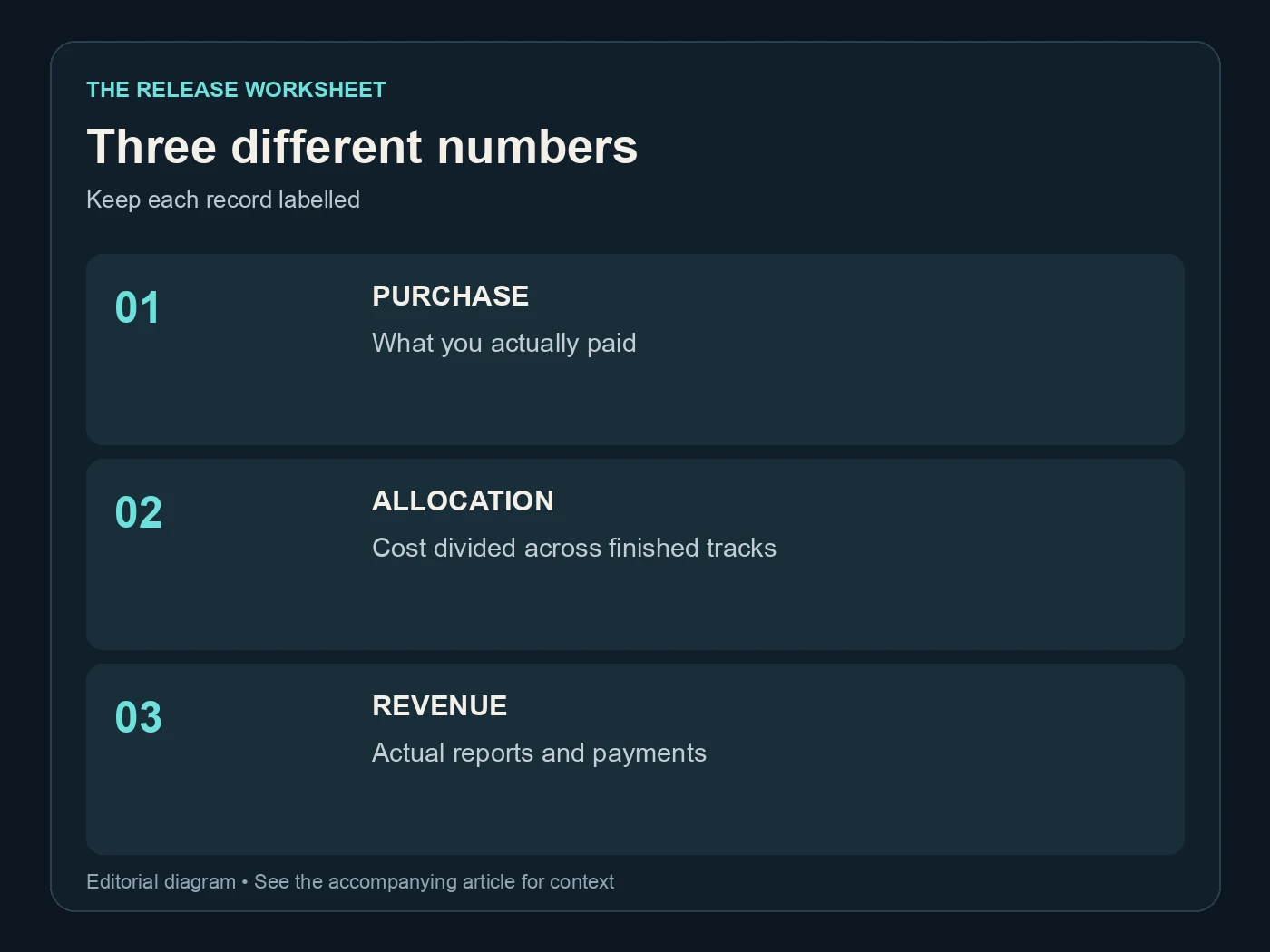
Three different numbers. Keep each record labelled. Editorial diagram; details are explained above.
Turn the budget into a repeatable release routine
For each selected song, keep the source, the Undetectr output and the approved delivery file. Record the release title, version, processing date and destination. Add public links and actual financial reports only when they exist.
Suno's credentials information is useful background for retaining the original export and creation records. Keep the rights and required AI information accurate throughout the workflow. Processing does not create permissions or determine a platform's disclosure policy.
Review the catalogue monthly or at the end of a project. Count approved songs, work still in progress and actual cash costs. Update the cost allocation from those numbers. Do not inflate the finished count by adding abandoned generations to make the spreadsheet look better.
When the workflow is established, the next purchase decision becomes easier. You can judge whether a new tool removes a real bottleneck or merely adds another stage. The same discipline applies to your Undetectr plan: match it to the music you are making and the preparation work you expect to repeat.
Start with the current Undetectr plans, choose the offer that fits and keep the budget readable. A catalogue is easier to manage when every number has a clear meaning and every released song points back to an approved file.
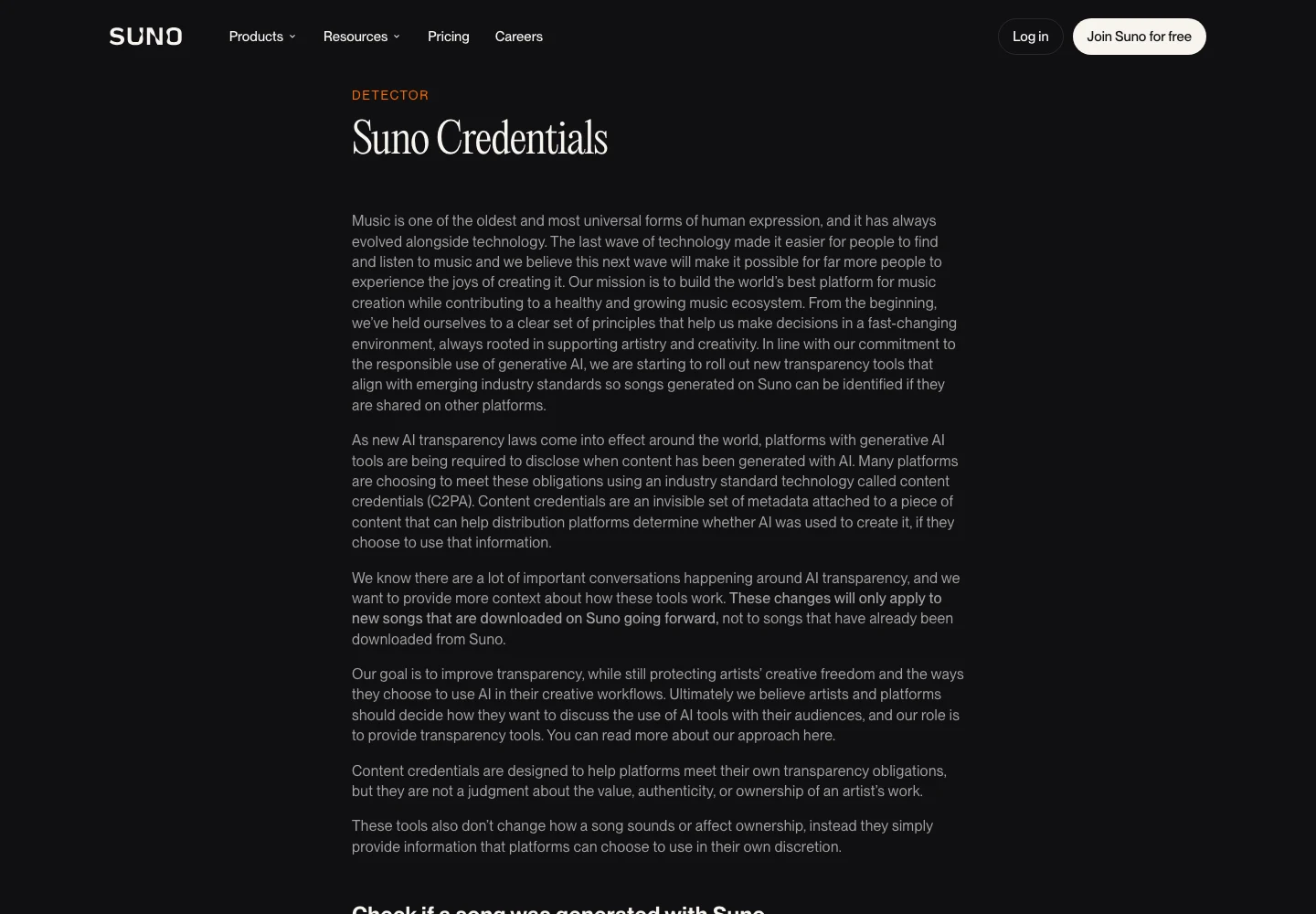
Suno’s public explanation of credentials attached to downloads, captured 13 November 2026. Source.
Related reading
Frequently asked questions
Is €0.39 a fee Undetectr charges per track?
No. It is €39 divided across an illustrative hundred-track catalogue. The current Lifetime offer lists unlimited processing, so the calculation is an allocation of the purchase cost rather than a per-track bill.
Does Lifetime save money if I only finish ten songs?
Its €39 purchase allocates to €3.90 per finished song in that scenario. Compare the full offer with Starter's €19 for ten credits and decide whether the included toolkit and ongoing access suit your work.
Can I assume a Starter purchase becomes a Lifetime discount?
No upgrade-credit assumption is included here. The €20 figure is simply the difference between the two listed upfront prices. Check the actual account or checkout offer for any upgrade terms.
Should I count every generation in my cost calculation?
Use the count that matches your question. For cost per finished release, count approved recordings. Keep unfinished experiments separate so they do not make the release budget look artificially cheaper.
How many streams repay the purchase?
There is no universal figure in this guide. Streaming receipts vary and Spotify does not publish a fixed per-stream payment. Record your actual revenue separately from the processing-cost scenarios.
What should I record beside the purchase price?
Keep the receipt, currency, date and plan purchased. Link your finished-track count to an identifiable release list. That gives you a budget you can update without confusing cash spent, processing allowance and income.